

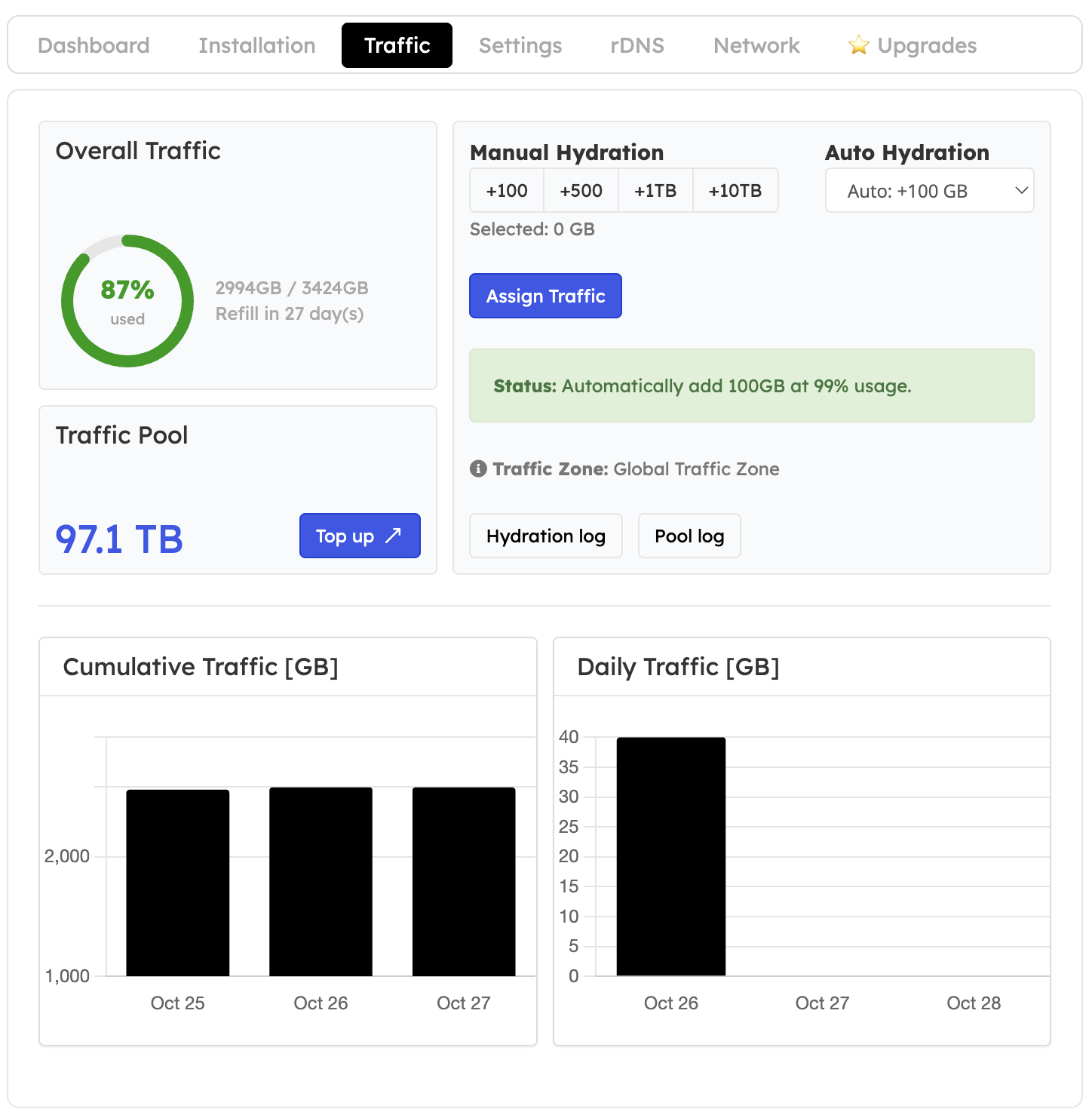
Understand the allowance
Current allowance = monthly Plan Traffic + Pool Traffic assigned during this cycle. Remaining traffic = current allowance − traffic used this cycle. Traffic usage counts both incoming and outgoing data measured on the VPS Ethernet interfaces. Use the units displayed by the panel when comparing readings.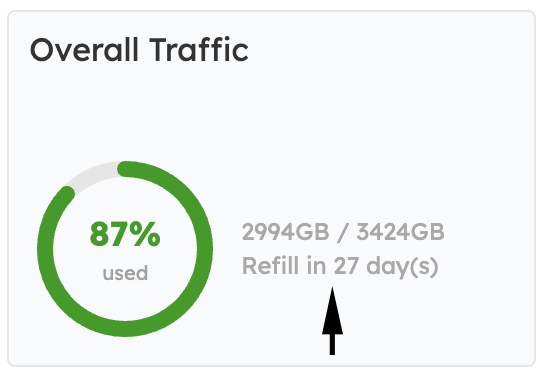
Monthly refill
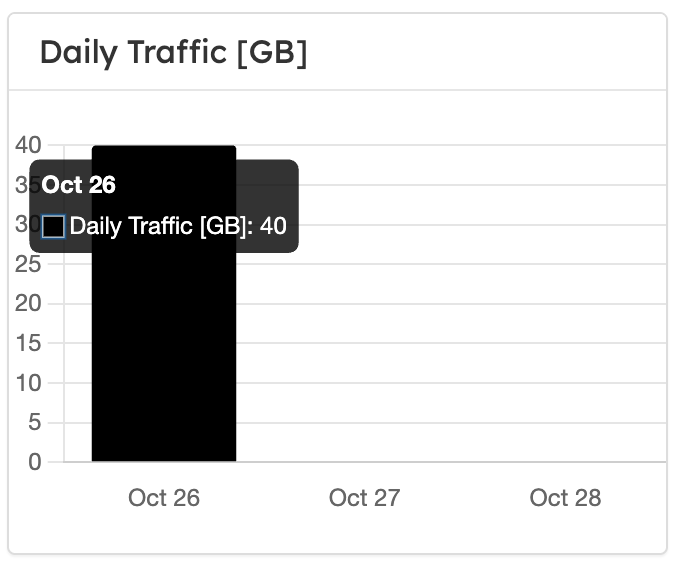
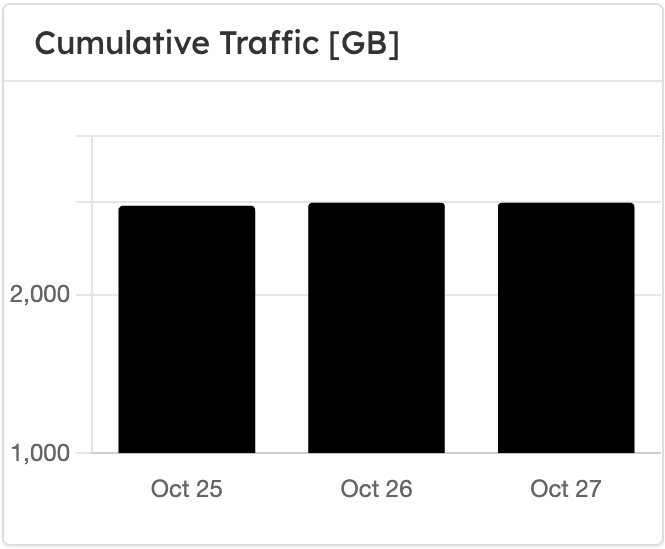
The VPS’s monthly service cycle determines its refill, not the calendar month. At the refill, usage resets and the EDBB plan allowance is replenished. Unused Plan Traffic and Pool Traffic already assigned to the VPS expire. Unassigned pool balance does not expire.Daily usage and assignments
Notifications and rate limiting
There is no automatic overage charge. To restore speed, assign pool traffic, complete a qualifying plan upgrade or wait for the monthly refill. See traffic limits.