

Find the storage upgrade
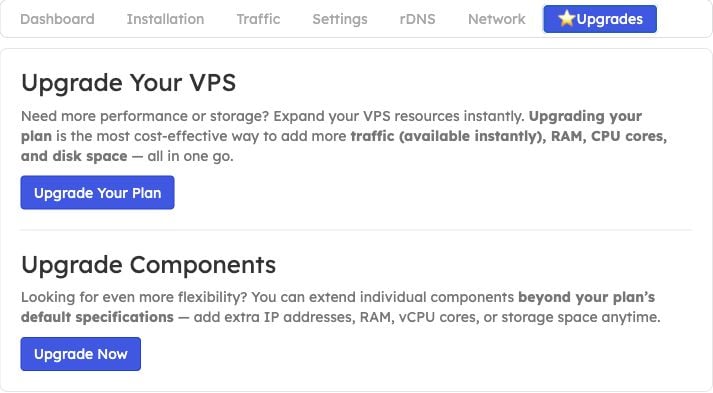
Choose Upgrade Now under Upgrade Components for Drive Size Boost.
Order additional storage
- Open the VPS in the EDBB Control Panel.
- Open Upgrades and choose Upgrade Now under Upgrade Components.
- Review the storage additions and EDBB prices offered for that service. Confirm the resulting total disk size, recurring charge and prorated invoice before payment.
- Follow the activation instructions after payment and perform a full power cycle when required to expose the new capacity.

Select a Drive Size Boost addition in New Configuration. Prices shown are examples for this test service.
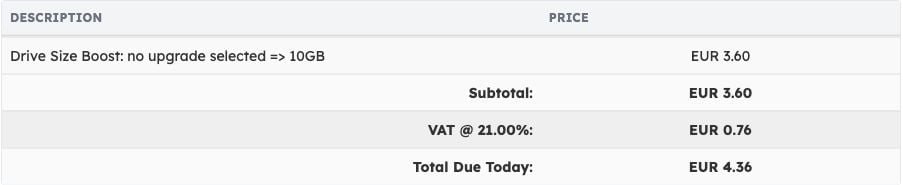
Review the change, tax and Total Due Today before continuing. This is an example quote, not a general price list.