

Upgrade a VPS Plan in Minutes
Plan upgrades swap your current VPS for a larger predefined tier—more vCPU, RAM, disk, and monthly traffic—without reinstalling or changing the IP address.
Why Upgrade
- Add CPU, memory, and disk space in one step.
- Boost the monthly traffic allowance tied to the plan.
- Keep your data intact; the upgrade happens in-place.
Upgrades are prorated. You pay only the price difference for the remaining days in your billing cycle.
Option 1 — Use the Quick Upgrade Card
If you already know which tier you need, click the upgrade shortcut on the service Control Panel.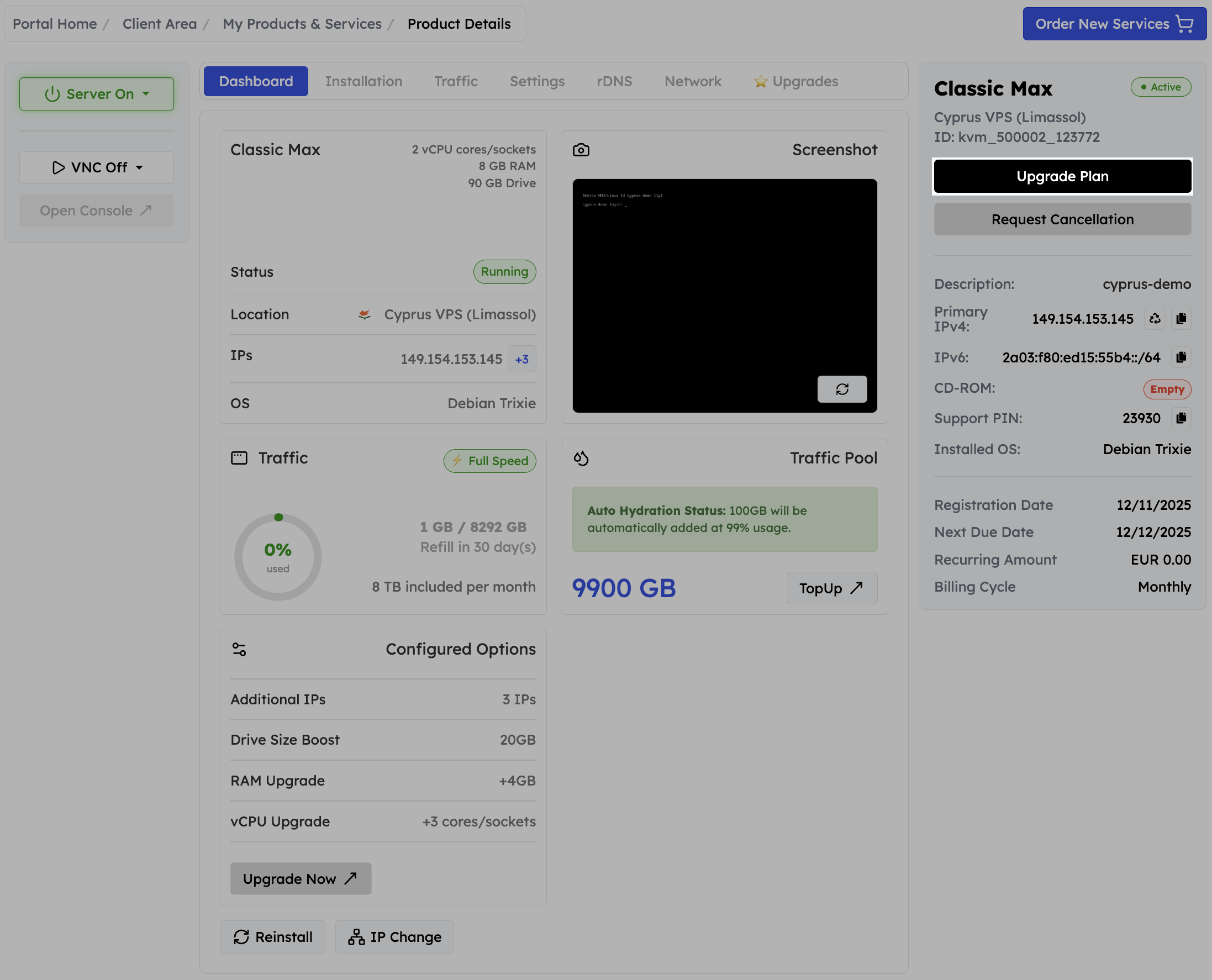
1
Open the VPS dashboard
Sign in to the EDBB Control Panel and choose the service you want to scale.
2
Press Upgrade
Hit the green Upgrade button in the right-hand column. You’ll land on the plan comparison page that lists every tier above your current one.
3
Choose a plan and pay
Pick the higher plan, review the prorated amount, and pay the invoice. Once the payment clears, the upgrade finalises automatically.
Option 2 — Order from the Upgrade Tab
Need to compare plan details first? Use the dedicated Upgrade tab.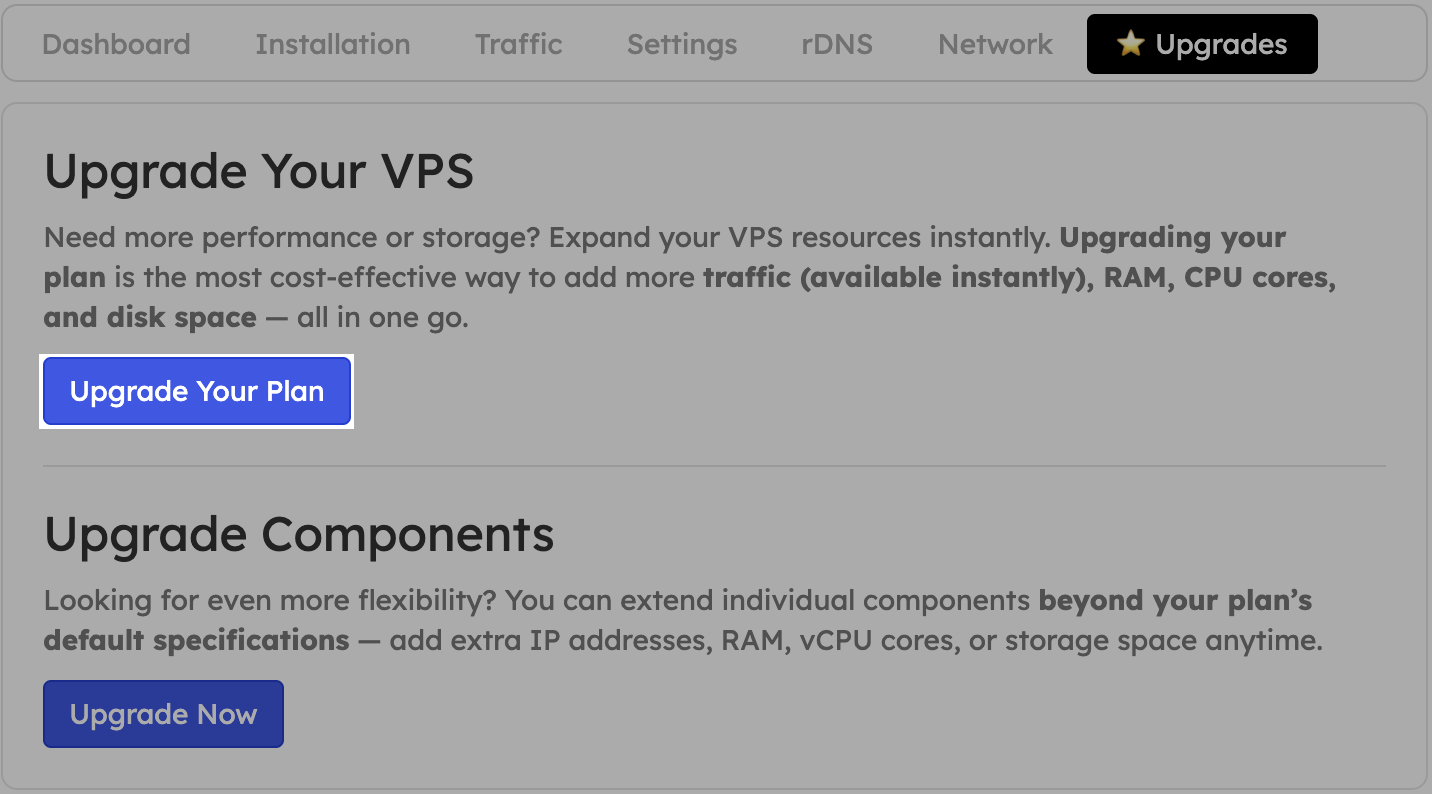
1
Navigate to the Upgrade tab
In the service view, click Upgrade in the tabs bar.
2
Open Upgrade Plan
Press the blue Upgrade Plan button. This loads the comparison page that lists each higher tier with resource details.
3
Review and checkout
Compare CPU, RAM, storage, and traffic quotas. Select your target plan, pay the prorated invoice, and the Control Panel handles the rest.
Upgrades trigger a short reboot so the new resources can load. Save work inside the OS before confirming the change.
After the Upgrade
- IP & data stay the same—no migration is required.
- RAM & vCPU are available after a cold reboot of the VPS.
- Disk size increases, but filesystems and partitions are untouched; expand them manually if you want to use the extra space.
- Traffic allowance increases immediately.